🔌
Web Serial Connection
Connect over Web Serial to GRBL 1.1, grblHAL and FluidNC machines, or practice on the built-in virtual machine.
No drivers needed on most systems.
🎨
Import Any Art
Import SVG and DXF at their real size, PNG, JPEG, WebP, AVIF, BMP and GIF.
Drag files anywhere onto the app to get started immediately.
📊
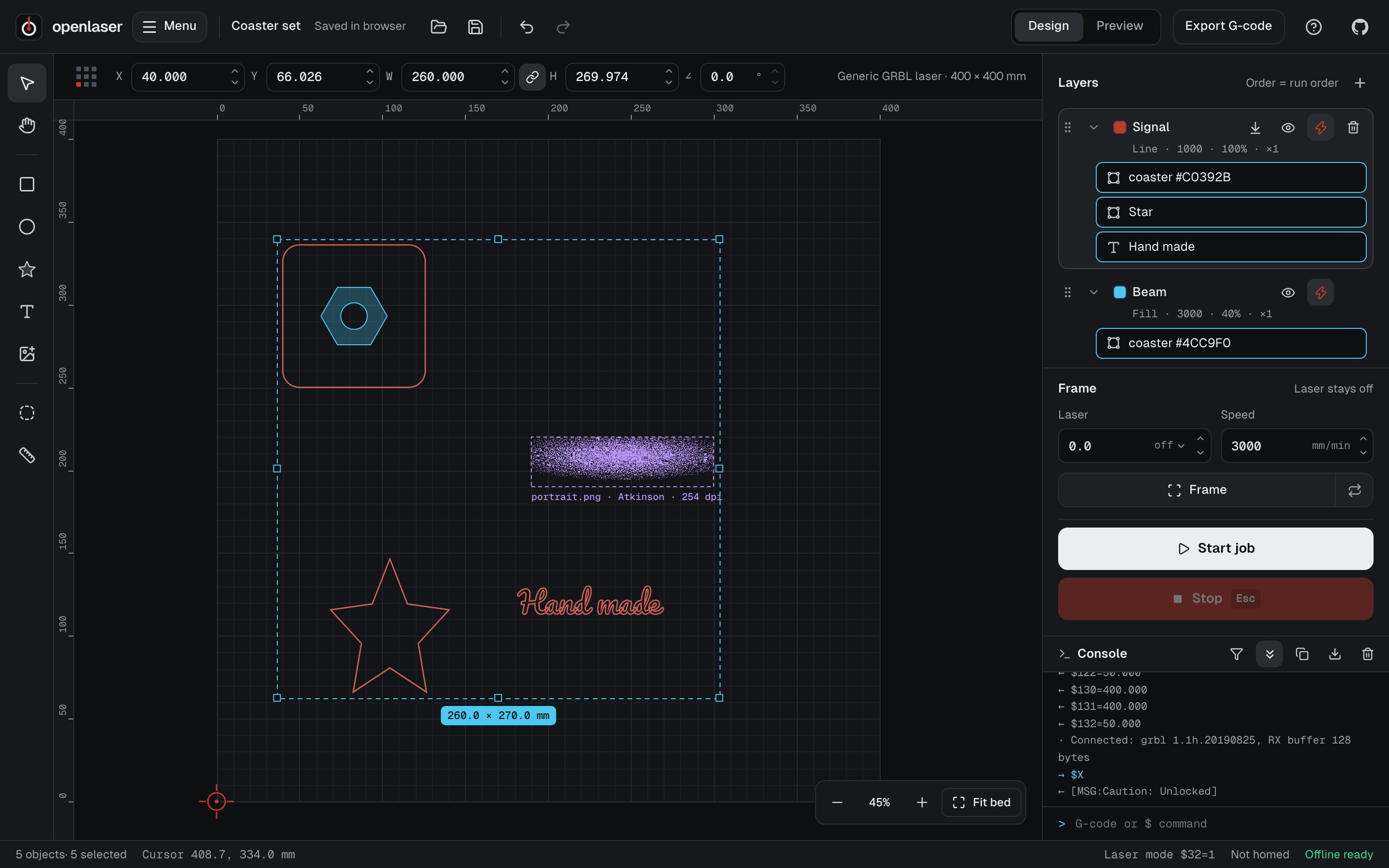
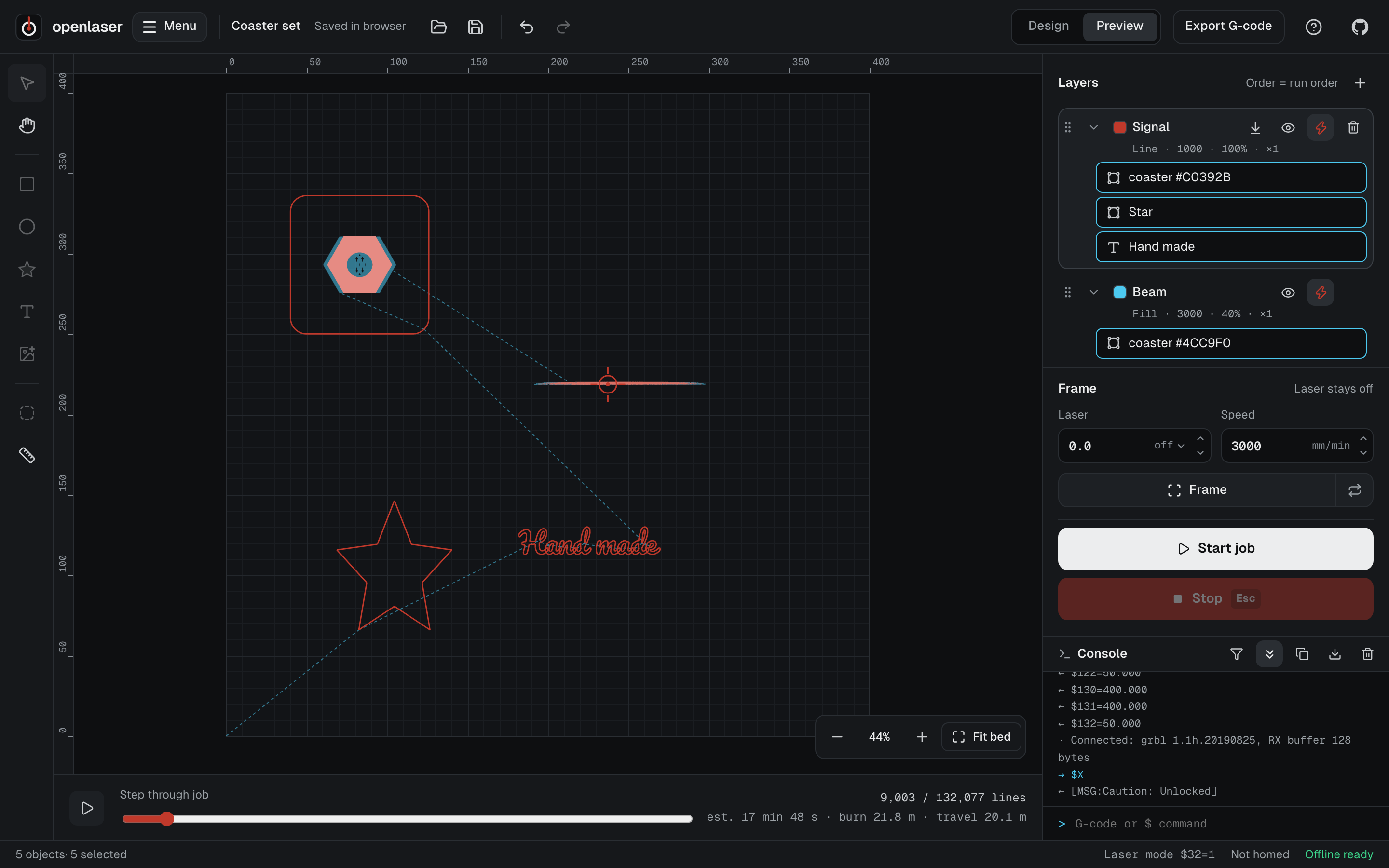
Advanced Layers
Work with layers in line, fill and image modes, with speed, power, passes, kerf offset,
fill angle, cross-hatch and overscan controls.
✏️
Image Tracing
Turn logos, line art and photos into clean vector layers to cut or engrave,
with live preview and adjustable parameters.
🖼️
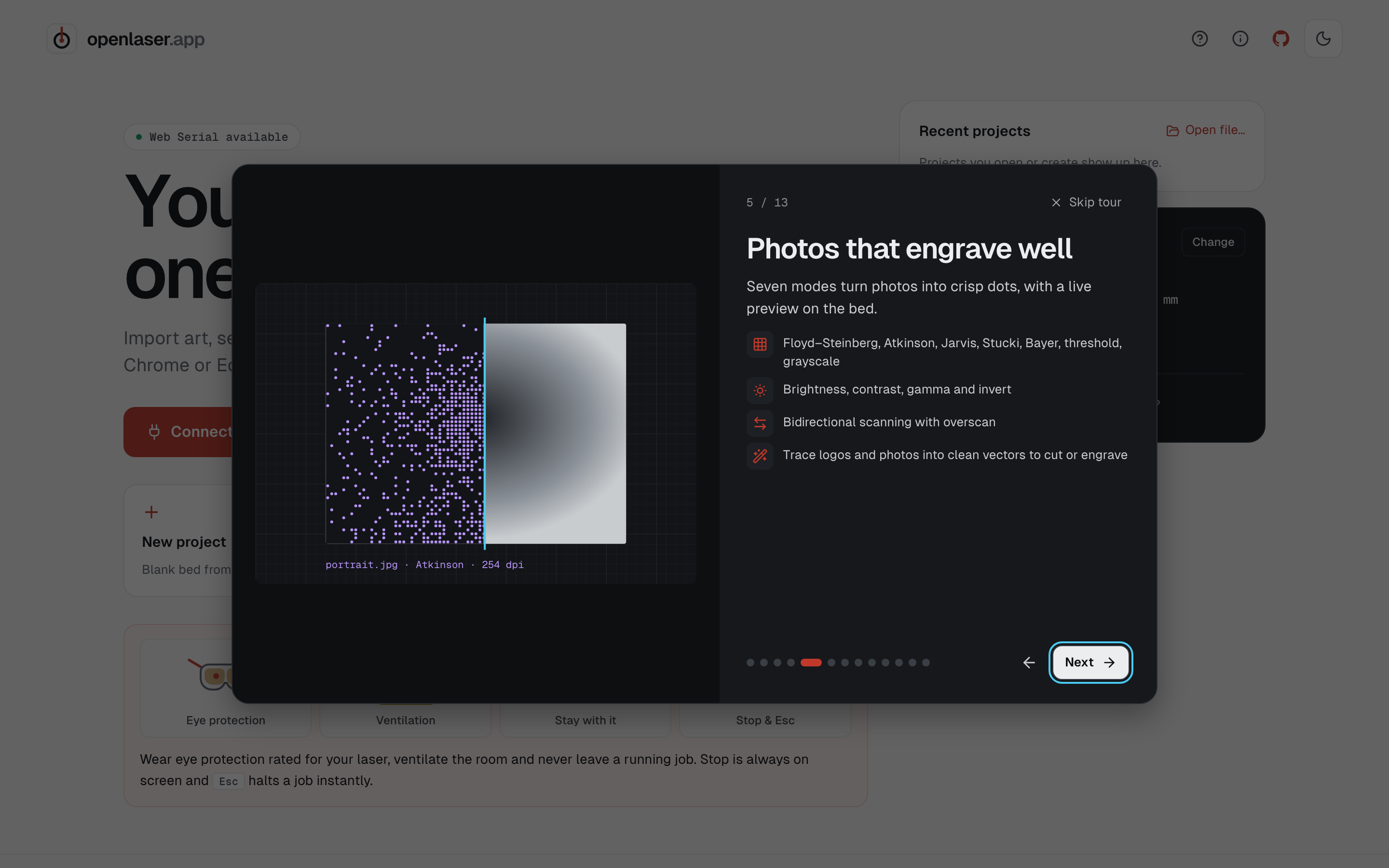
Photo Engraving
Multiple dithering algorithms including Floyd–Steinberg, Atkinson, Jarvis, Stucki, Bayer,
threshold and grayscale, previewed live on the bed.
🔤
Text & Fonts
Text in any Google Font, installed system font or your own TTF, OTF or WOFF files,
with searchable list and live previews.